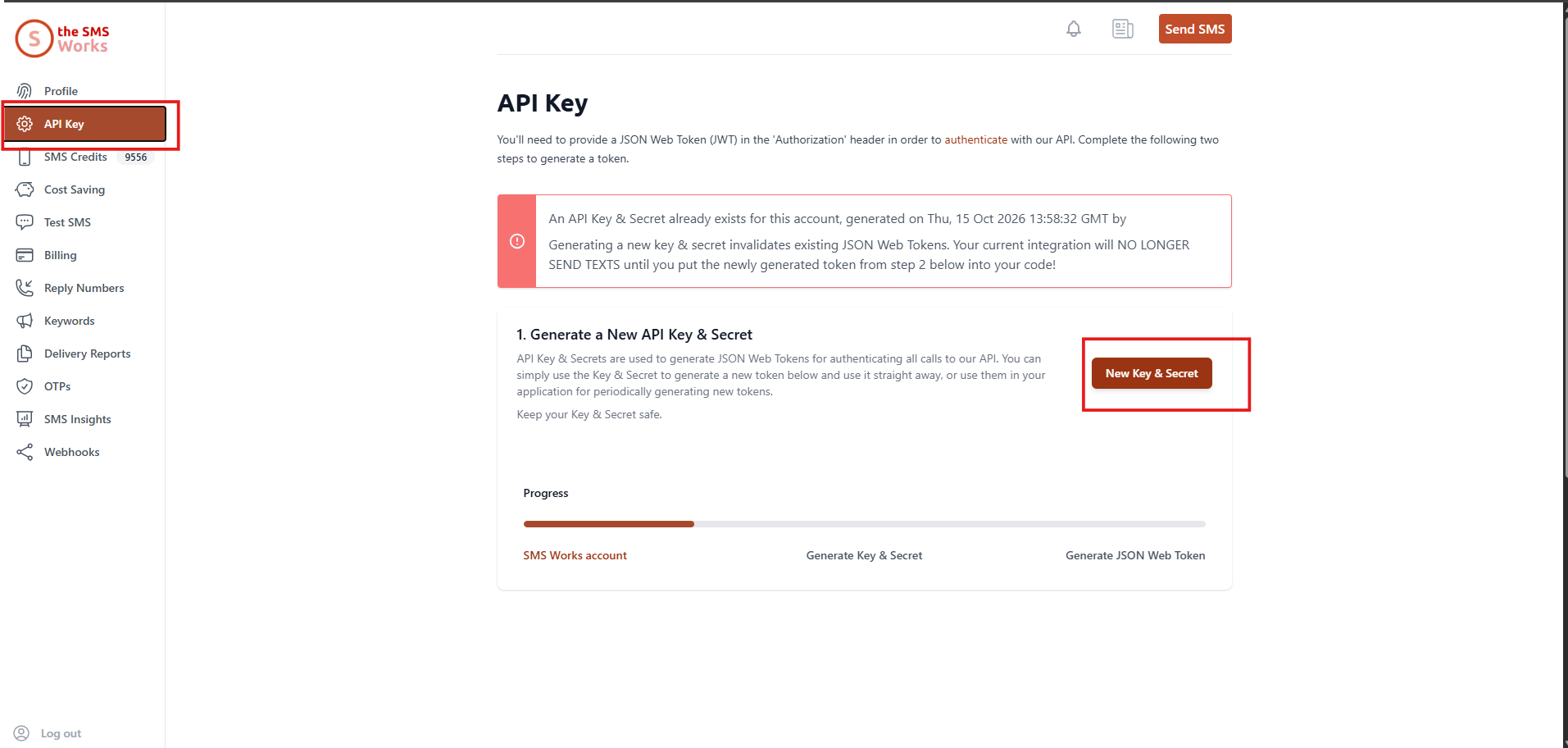
Use these instructions for one way too
INSERT INTO SMSWorksConfig ( SMSWorksConfigID,Token,ResponseURL,DivisionID,UName,PWord ) VALUES ( '1', '<Token>', 'https://pizza.iqxanywhere.net/job/IncomingSMS', null , 'SMSWorks', '<password>' );
Once the system is configured, a mobile phone style icon appears on Applicant / Candidate form next to the Make Contact Event icon. This shows the chat history between the current user and the Applicant / Candidate. All SMS texts (in both directions and from all consultants) also appear in the Contact Event view as normal.
If you get the error “Payment Required” They may have run out of credit; get the account holder to top up credits on the account
“Payment Required” and plenty of credits? Re-do the API Key and Secret in the SMSWorks account and make sure to update the CustomSMSHTTPRequest
Still trying to send via email when SMSWorks is HTTP Ensure General Setting Can send SMS Messages via E-Mail = N AND Can send SMS Messages via HTTP = Y
Bad Request Error Check if its a dodgy number?
Number not sending through IQX? Try sending an SMS through SMSWorks Account and if it works, then try again in IQX